How to Issue Receipts and Invoices as a Freelancer

Learn how to issue proper receipts and invoices as a self-employed remote worker in the Philippines. This guide from Crafty Simon covers legal requirements, practical steps, templates, and bookkeeping tips to help freelancers stay organised and tax‑compliant.
Introduction
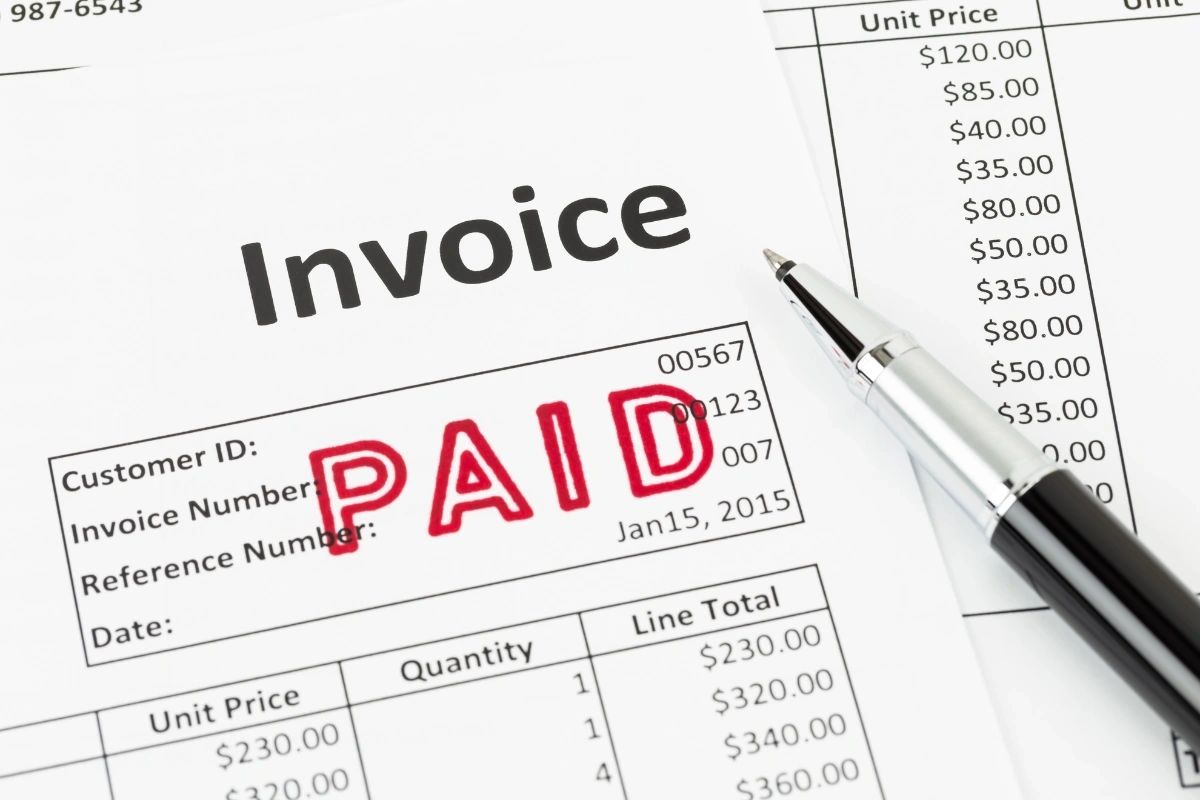
As a self-employed remote worker based in the Philippines, issuing correct receipts and invoices is essential for keeping accurate records and maintaining compliance with local tax regulations. Whether you’re working on freelance projects for overseas clients or local businesses, knowing how to issue receipts and invoices the right way can save you time — and avoid headaches come tax time. This article outlines actionable steps for remote workers to get their billing process in order.
Why Issue Proper Receipts & Invoices?
Issuing receipts and invoices correctly does more than just request payment — it helps you:
- Prove that you’ve delivered the agreed services or products (especially important for foreign clients or agencies).
- Create a paper trail for bookkeeping and accounting.
- Prepare accurate reports for tax filing under local regulations (especially if you turn into a registered taxpayer).
- Maintain professionalism and build trust with clients, which is crucial for repeat business.
Hence, every self‑employed professional should prioritise remote work bookkeeping and freelance record keeping from the get‑go.
What You Need Before You Start
Before you issue your first invoice or receipt, make sure you have:
- Your full name or business name as registered (if applicable).
- A unique invoice/receipt number — sequential numbering helps avoid confusion.
- Date of issue.
- Description of services provided (scope, hours, rate, deliverables).
- Total amount due (or paid).
- Client’s name and contact details.
- Your own contact details and payment information.
This is part of good self‑employed documentation practice, giving both you and your client a clear record.
Step-by-Step: How to Issue Receipts and Invoices
1. Choose the Right Format: Digital or Hard Copy
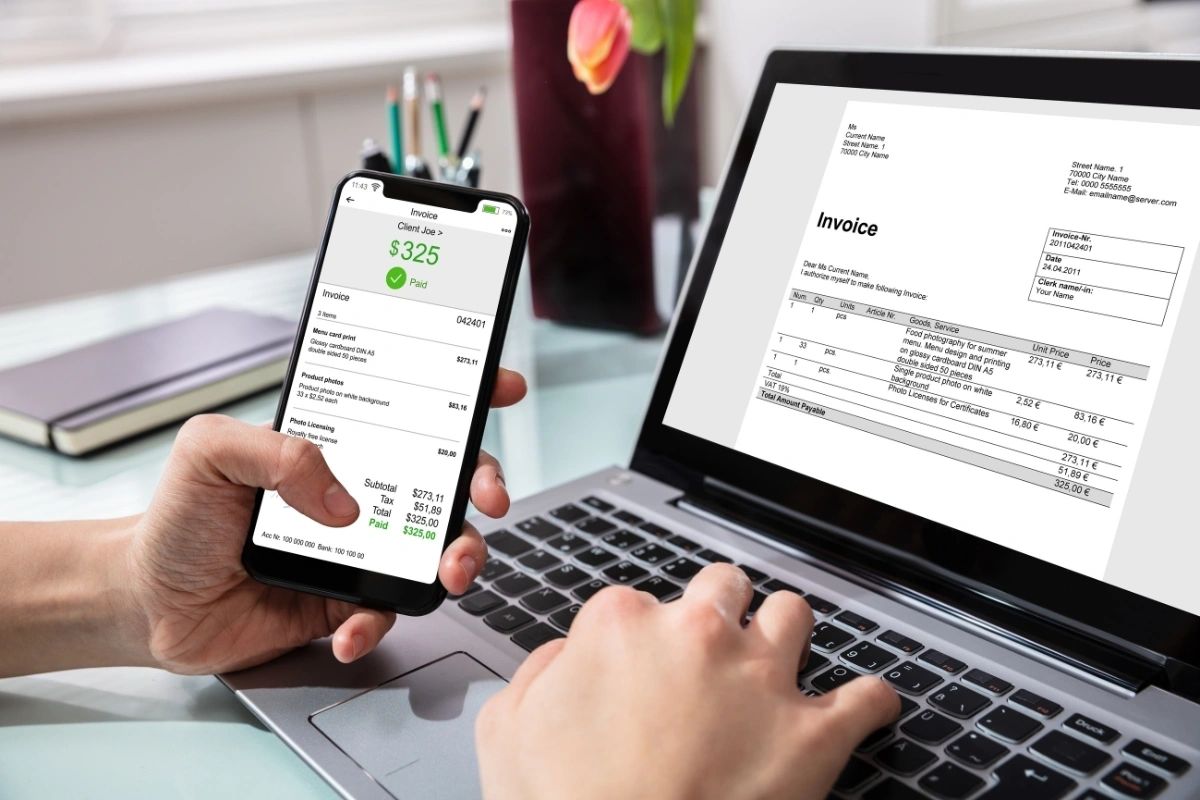
For many remote workers, issuing an invoice as a PDF is sufficient. It’s quick, professional, and easy to share. If required by a local client or for compliance, you can also issue printed receipts. This approach counts as issuing receipts online when sent digitally, and still fulfils your responsibility.
2. Use or Create an Invoice Template
Start with a clean invoice template Philippines — whether you design your own in Word/Google Docs or use a pre-made template. Make sure it includes: your name, contact, invoice number, date, description of work, amount, taxes (if applicable), and total. This helps with freelance invoice Philippines compliance and makes future bookkeeping much easier.
3. Add Tax or VAT Details (If Applicable)
If you’re registered for VAT or other forms of tax in the Philippines, you may need to include your tax identification number and applicable tax breakdown. Good VAT compliance Philippines ensures you don’t run into issues with the tax office later.
4. Send to Client and Request Confirmation
Once complete, send your invoice/receipt to the client — ideally via email or a trusted freelancing platform — and request confirmation. This step helps protect both parties in case of disputes or delays.
5. Keep a Copy for Your Records
After sending, save a copy in a dedicated folder or use a bookkeeping app. This is important for receipt keeping tips, bookkeeping tips freelancers, and overall freelance record keeping.
Tools & Tips for Remote Workers in the Philippines
- Consider using online invoicing tools or spreadsheets to track issued invoices. Many offer free plans — ideal for new or solo freelancers. This helps with digital invoicing tools and simplifies your workflow.
- Label files clearly, e.g., “Invoice_2025_11_001_ClientName.pdf” — this helps with quick lookup later.
- If working with foreign clients, clearly state currency and exchange rate if payments are in PHP.
- For regular clients, consider numbering invoices sequentially (e.g., 001, 002…) for clearer self‑employed invoice management.
Tax Compliance & Record Keeping
Even if you’re a solo remote worker, it’s wise to treat your freelance activities like a small business. Maintain proper self-employed documentation: receipts, invoices, bank statements, payment confirmations. If your income reaches the threshold required for registration, or if you voluntarily register for tax/VAT, accurate records will make the process smoother.
And if you ever get audited or need to compile income proof, you’ll thank yourself for following remote work bookkeeping best practices from the start.

Final Thoughts
Issuing proper receipts and invoices doesn’t need to be complicated. By following the steps above — using a clear invoice template Philippines, maintaining organised records, and considering taxes — you can simplify billing and safeguard your freelance income. Good remote worker receipts and self‑employed invoice practices set you up for long-term success and clarity.
For more freelancing tips, invoicing templates, and bookkeeping advice, explore resources specifically designed for Filipino remote workers.